Skills
Billing reaches billing.
The billing question lands with billing, and the emergency lands with dispatch.
TaskRouter is an omnichannel ACD, an automatic call distributor that routes and assigns anything, not just calls. It matches work on every channel to someone with the right skills and room to take it, and moves urgent work to the front.
A task is any interaction, or any piece of work, that needs a person or a bot: a call, a chat, an email, a callback, a review. Workflows set its skills and priority points on the way in, and the router checks who has room at the moment it makes the offer.
100+ countries · Cloud, hybrid, or onsite · 1 to 1,000 seats
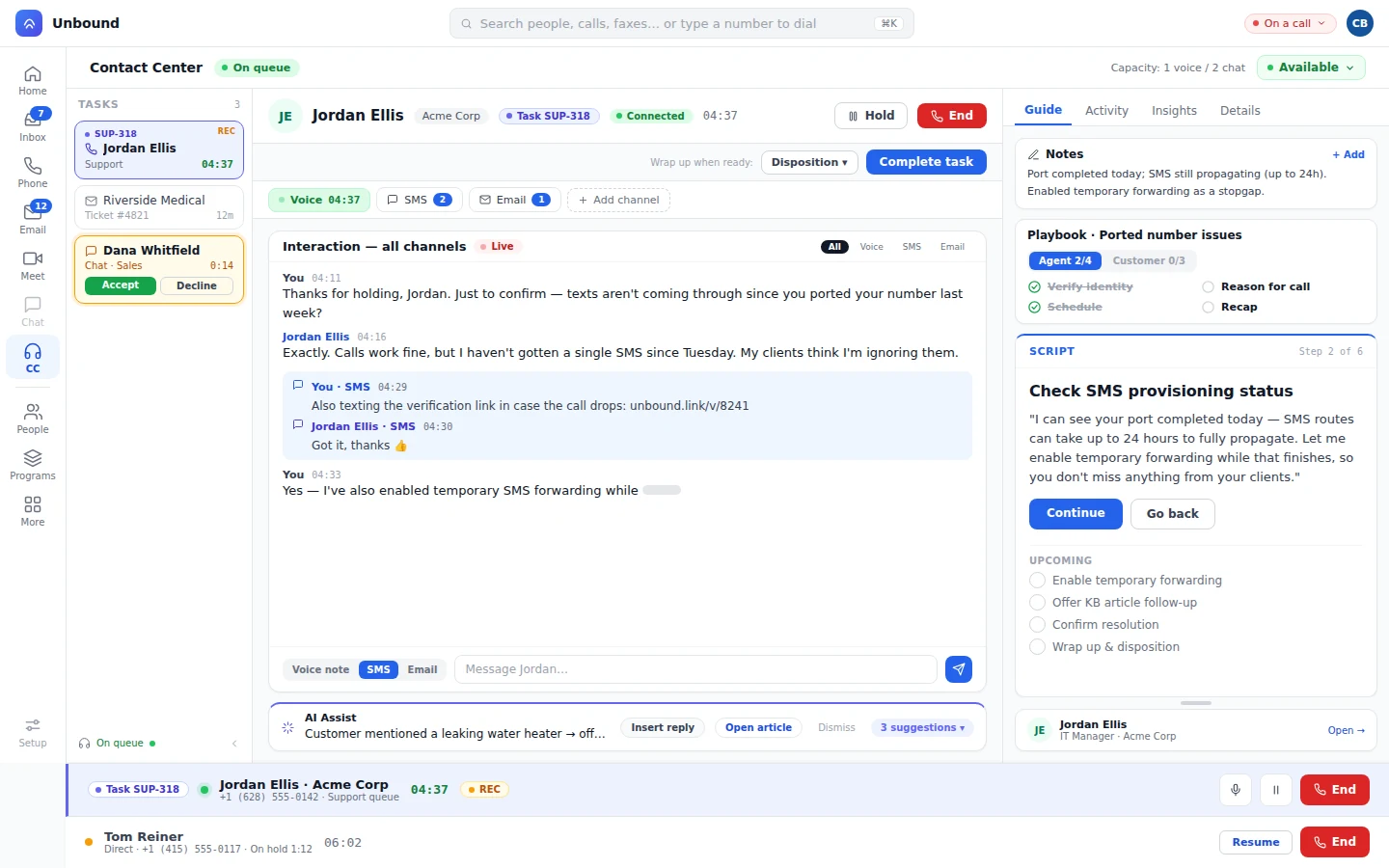
Workflows set the skills a task needs before it reaches the queue, and can change them as the conversation moves.
The billing question lands with billing, and the emergency lands with dispatch.
Route on language, so the caller gets someone who speaks it.
Modify Task Skills in AI Workflows adds or changes the skills a task needs, based on what the caller said or what their record shows.
When the call turns out to be about something else, the agent transfers it to another queue or straight to a teammate by name.
Every task carries points, and higher points go first.
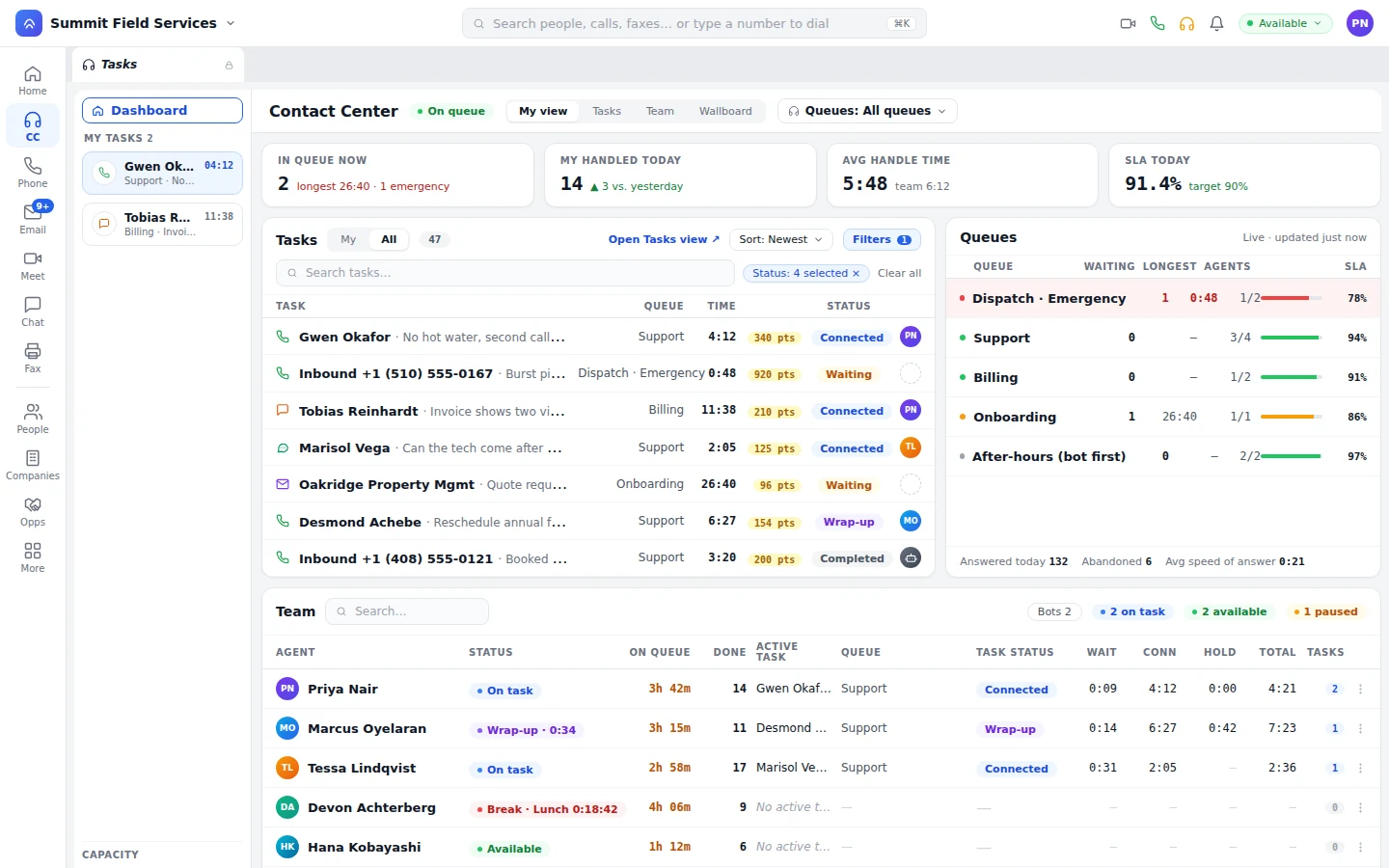
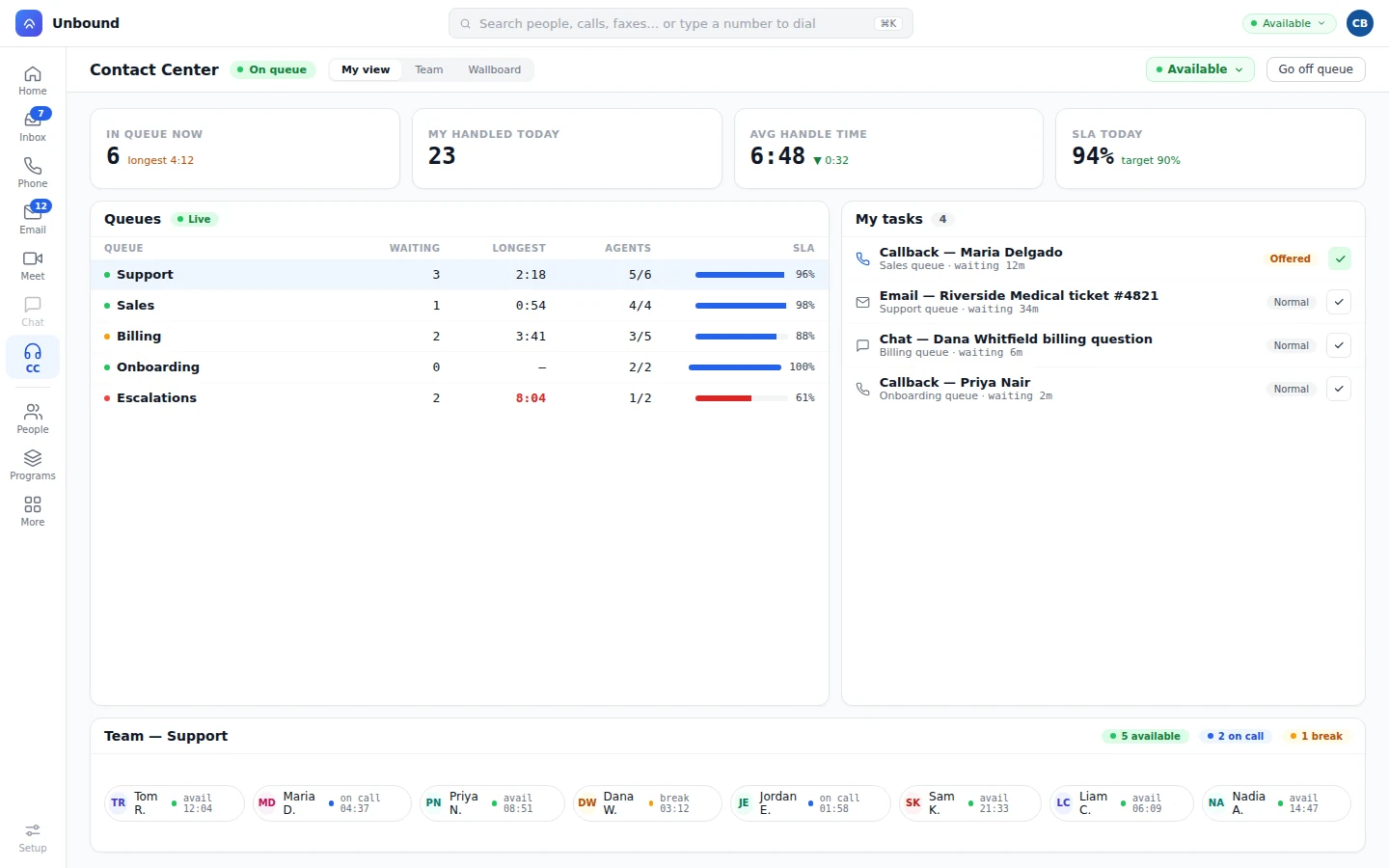
The TaskRouter knows what each agent, human or bot, is holding right now, channel by channel: who's on a call, and who's juggling two chats and an email.
An agent can bring a supervisor or specialist into a live call or chat, from the agents and managers you've set up to help.
Invite the specialist you already know into the task.
Filter by skill and other details to find the right helper.
Whoever picks up the request joins the task.
The helper reads the transcript and timeline as they join.
Bots are workers in this pool too, with their own skills, languages, and capacity, so your routing rules cover their work as well. A bot asks for a person the same way an agent does. How bots work
Skills and languages decide who can take it, priority points decide the order, and each person's capacity on that channel decides who has room. Then the task goes out as an offer.
Yes, an omnichannel one. A classic ACD distributes calls. TaskRouter distributes any task: calls, video, chat, SMS, email, fax, callbacks, reviews, and work a workflow creates, all by the same skill, priority, and capacity rules.
It moves on to the next person who's free. If someone has stopped taking work, auto-pause stops offering them more.
Yes. A workflow can change the skills a task needs or how urgent it is while the conversation is going, and Transfer moves it somewhere else.
Only if your managers say so. Every channel type has its own limit, and you set it. Most teams give voice a limit of one and block everything else while a call is live, then let an agent hold several chats, texts, or emails. Another team allows one call and one chat at once. The platform enforces whatever you set.
Start a 30-day trial with sample data loaded, go on queue, and watch a task arrive as an offer. Then add a skill or a priority point and send another.