Send it, sign it, and keep the proof on the record.
Documents fill themselves from your data and go out by email, SMS, or fax, or get signed in person. The signature's binding, and the record shows when it was sent, opened, and signed.
100+ countries · Cloud, hybrid, or onsite · 1 to 1,000 seats
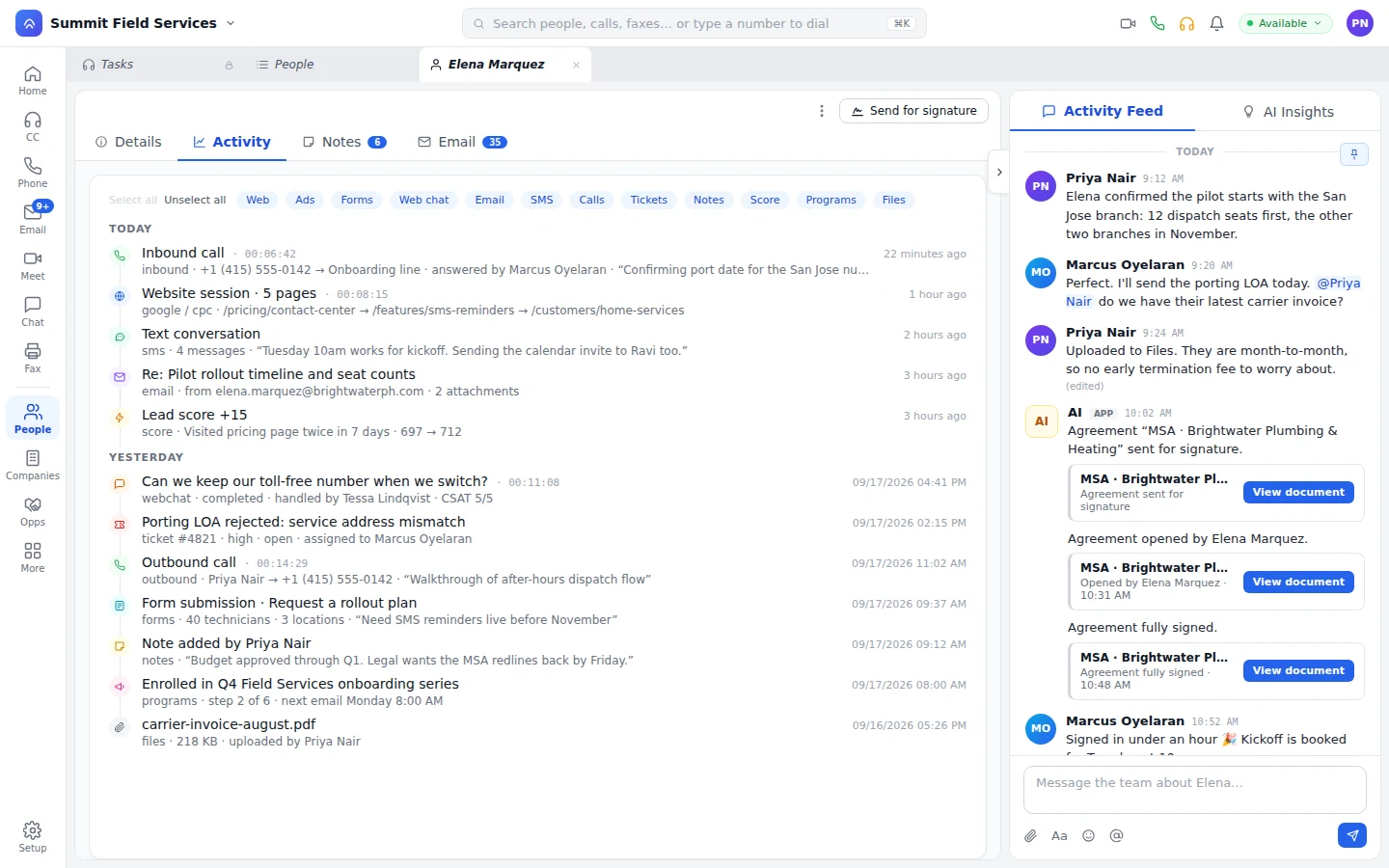
Document templates filled from the record.
Your admin builds a template once in Setup. Every document a rep generates from it pulls in the person, the company, and the deal, so agreements, proposals, and forms go out complete.
Before
- Names, addresses, and amounts retyped into each document.
- Every rep keeps a slightly different copy of the agreement.
- The proposal leaves the CRM to get signed somewhere else.
On Unbound
- The name, the address, and the amount come from the record it's sent from.
- One shared set of templates, kept by your admin in Setup.
- The rep generates the proposal from the opportunity and sends it for signature with payment attached.
Email, SMS, fax, or across the table.
Send the document the way the customer works. By email, they open the link and sign, and it comes back signed to the record it left from.
- By text
They sign from their phone without hunting for an email.
- By fax
Fax it out, and a workflow reads whatever comes back signed.
- In person on an iPad
The rep presents it at the customer site and leaves with the signature.
Sent, opened, signed: every step is on the record.
Each one posts to the person's feed with the document a click away. Who sent it and when is logged and auditable, signed documents are encrypted in transit and at rest, and record-type permissions decide who can open one.
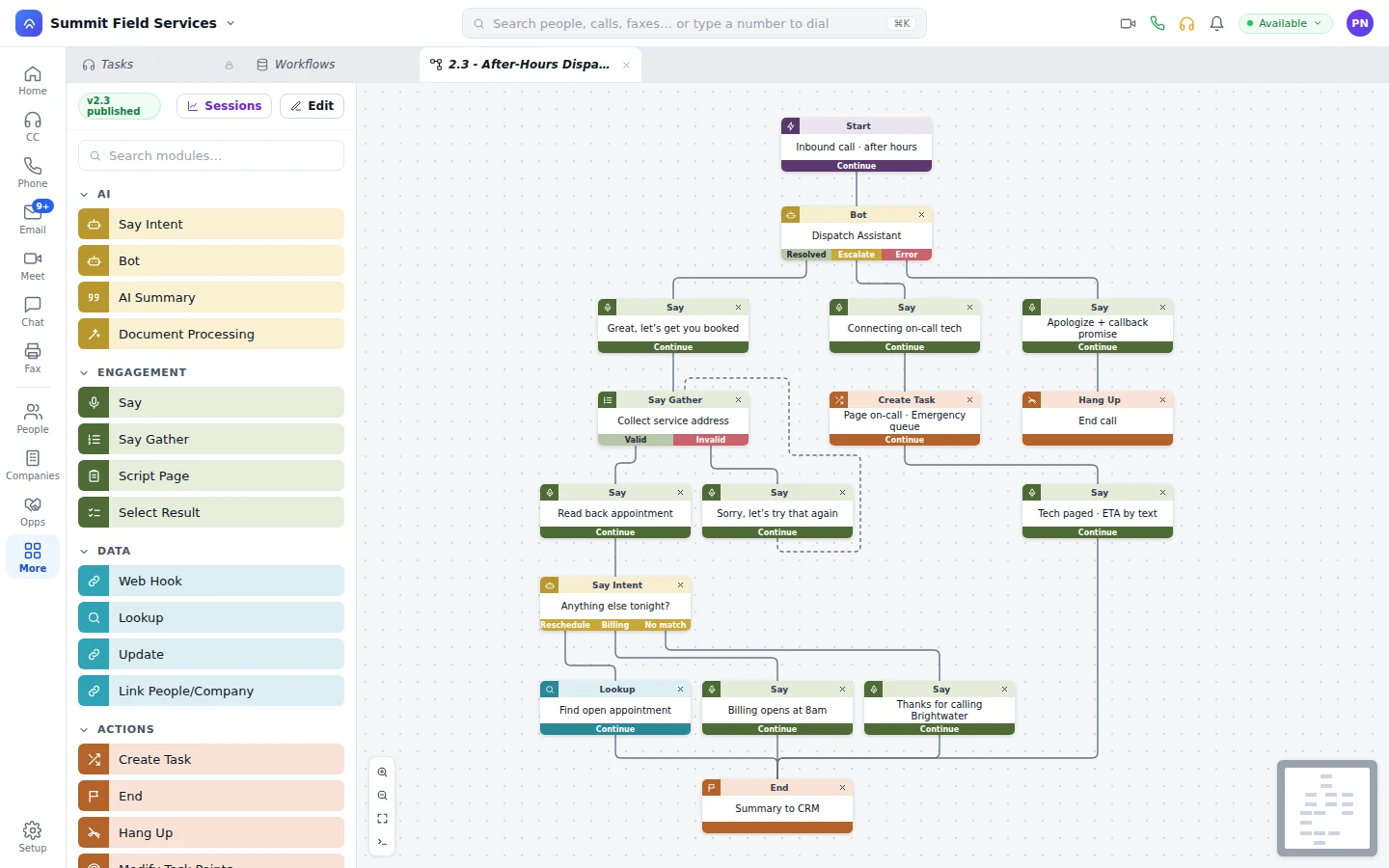
No e-sign license, no connector, no second login.
E-signature ships with the platform. It runs on the records your reps, agents, and bots already work, under the security you've already set.
Nothing extra to buy.
No third-party e-sign seats to buy or renew.
Nothing to sync.
The signed document is on the record, not in another system waiting for an integration.
Nothing to call the office for.
Field reps generate, present, and collect the signature from the device in their hand.
When the customer calls to pay after signing, a bot handles the call through the payment step and the deal updates with it. How bots work on Unbound
What buyers ask about e-signature.
Is the e-signature legally binding?
Yes. The signature is binding on documents sent by email, SMS, or fax and on documents signed in person, and the record shows when each one was sent, opened, and signed.
Do we need a third-party e-sign license?
No. Templates and signatures come with the platform. There are no third-party seats to renew and no connector to keep running.
What proof do we keep?
The record's feed shows when the document was sent, opened, and fully signed, with the document attached. Who sent it and when is logged and auditable, and documents are encrypted in transit and at rest.
Can AI agents handle documents that come back?
Yes. When a customer faxes back a signed copy, a workflow reads it, updates the record, and answers them the same way.
Text yourself a document and sign it.
Start the 30-day trial with sample data loaded, generate a document from a record, and text it to yourself. You'll see sent, opened, and signed post to the feed as you go.