Forms that send each lead straight to the record.
Marketers build forms without a developer. When the person's already known, the form fills from their record and asks only for what's missing. Each submission is cleaned, verified, stored on your objects, and handed to the workflow you choose.
100+ countries · Cloud, hybrid, or onsite · 1 to 1,000 seats
Known people see fewer fields.
When someone filling the form is already on the platform, dynamic inputs read from their record. The form skips what you already have and asks for the rest.
- A known person
The form recognizes someone already on the platform.
- Fewer fields
Returning people skip what you already hold and finish faster.
- A complete record
The answers you didn't have go straight to the person.
Marketing builds the form. No developer ticket.
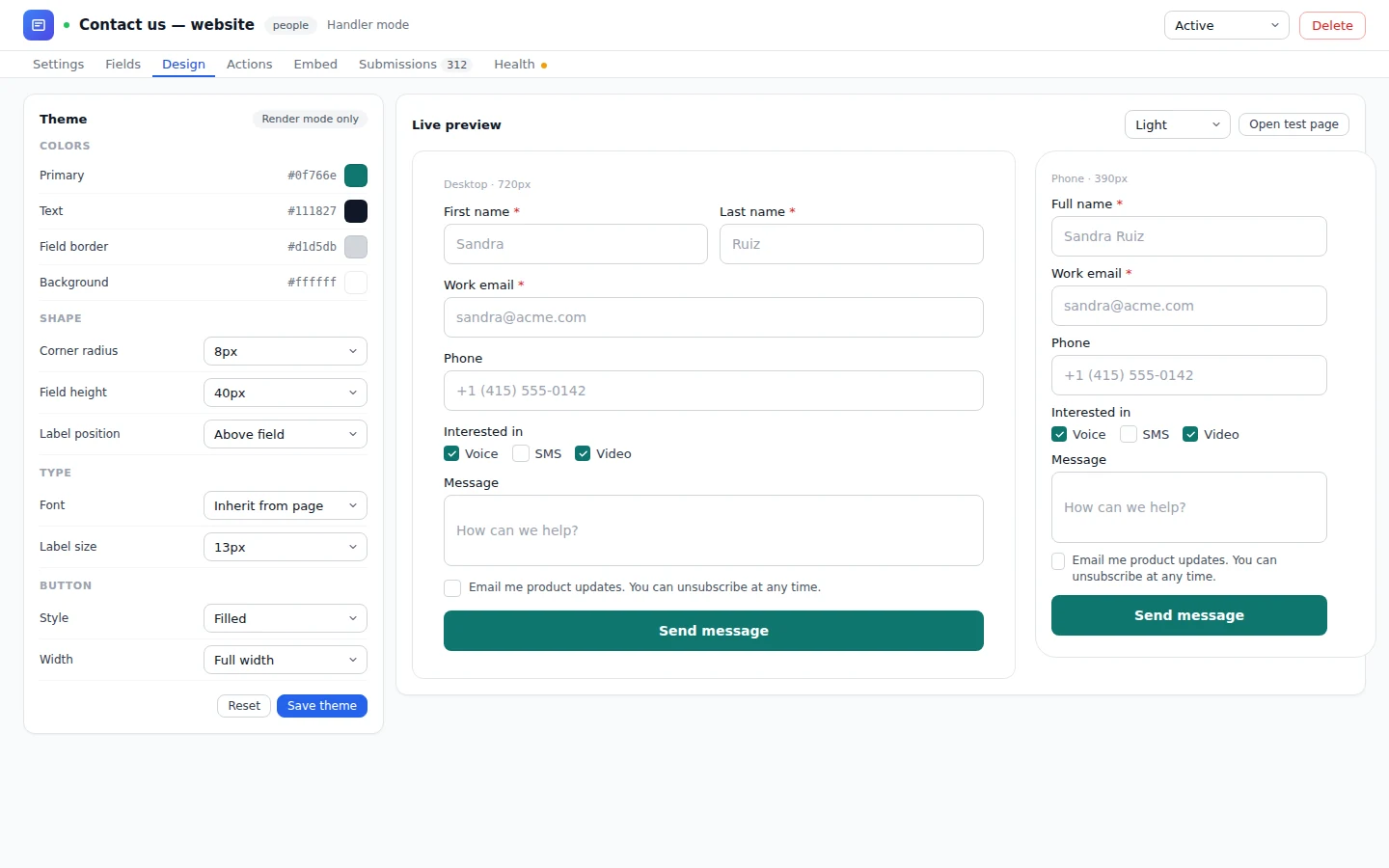
Fields, design, actions, embed, and submissions live in one designer. The marketer sets the colors, shape, and fonts, previews on desktop and phone, and opens a test page before it goes live.
Fields.
Static inputs, or dynamic inputs that read from the person record.
Design.
Theme, field shape, label position, and button style, previewed live.
Actions.
What happens on submit: store, score, and fire the workflow.
Submissions.
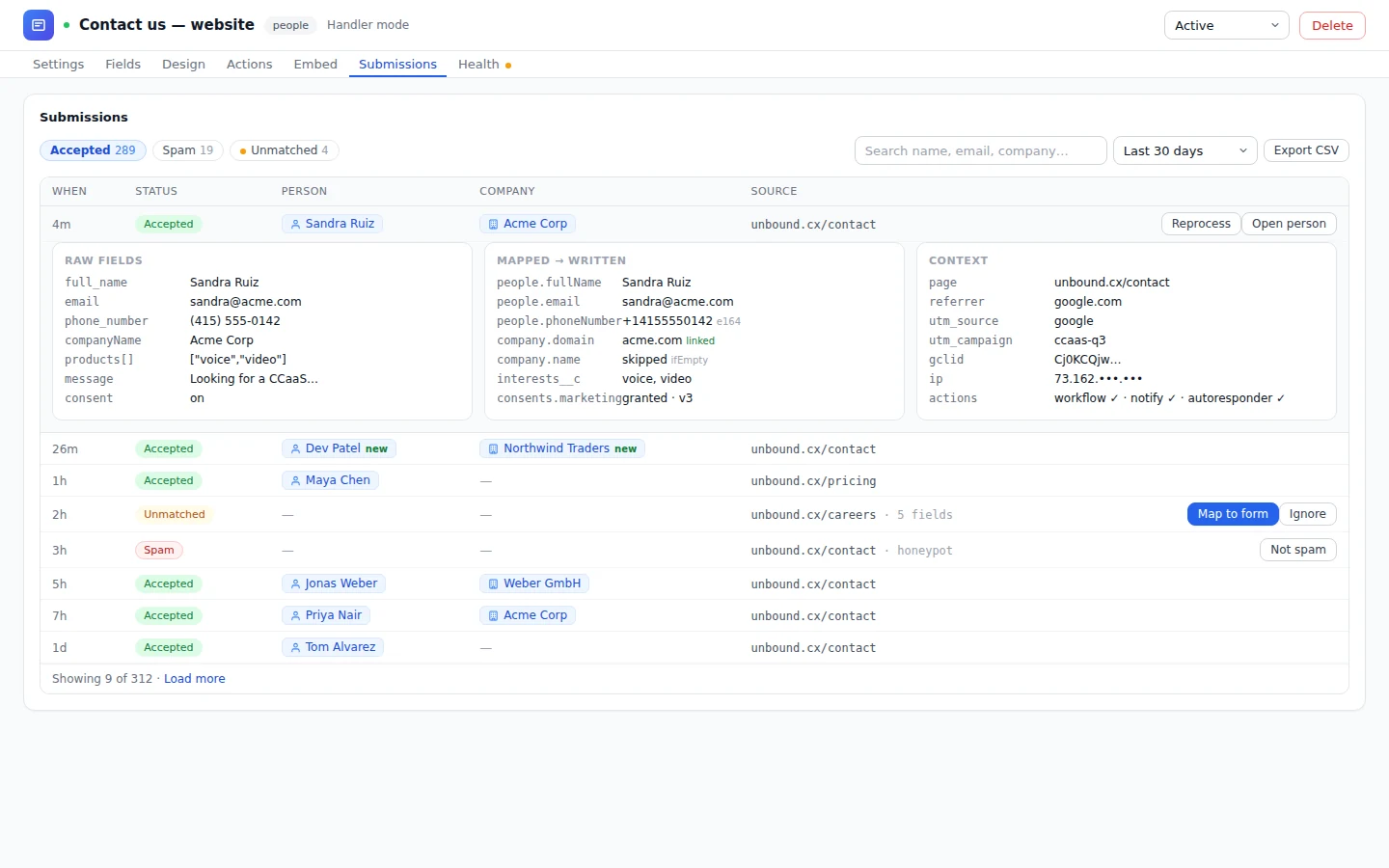
Every submission in one list, tied to the person who sent it.
A submission is data. It goes where your data lives.
Pick the object the form writes to, and every submission is stored there, scored, and sent on.
Before
- Submissions pile up in an inbox or a spreadsheet.
- Someone copies each lead into the CRM.
- Typos and junk arrive with the real leads.
- Follow-up waits for someone to notice.
On Unbound
- Stored on people, companies, or any custom object you've built.
- Nothing to copy: the lead is on the record when they submit.
- Cleaned and verified before it's stored.
- The lead score rises and your workflow runs the moment the form is sent.
Keep the form on your own site if you like.
Put the form wherever your buyers are. Every path stores the submission the same way and starts the same workflow.
- Host on an Unbound portal
Help, partner, and marketing landing pages host forms directly.
- Embed on your site
Drop the form into the website you already run.
- Keep your own form
Point your existing form at Unbound and it stores and fires like any other.
A form action hands each submission to a workflow, and a bot texts or calls back, asks the questions you'd ask, and writes each answer to the record. When the prospect wants a rep, the bot books a time or passes them to the queue your team works. How bots work on Unbound
What marketers ask about forms.
Who builds forms in Unbound?
Marketers. Fields, design, actions, and embed are all set in one designer, with no developer involved.
What is a dynamic form?
A form whose inputs read from the known person's record. It skips the fields you already hold and asks for what's missing.
Where do submissions go?
Submissions are cleaned, verified, and stored on people, companies, or any custom object, then fire the workflow you choose.
Can I keep the form I already have?
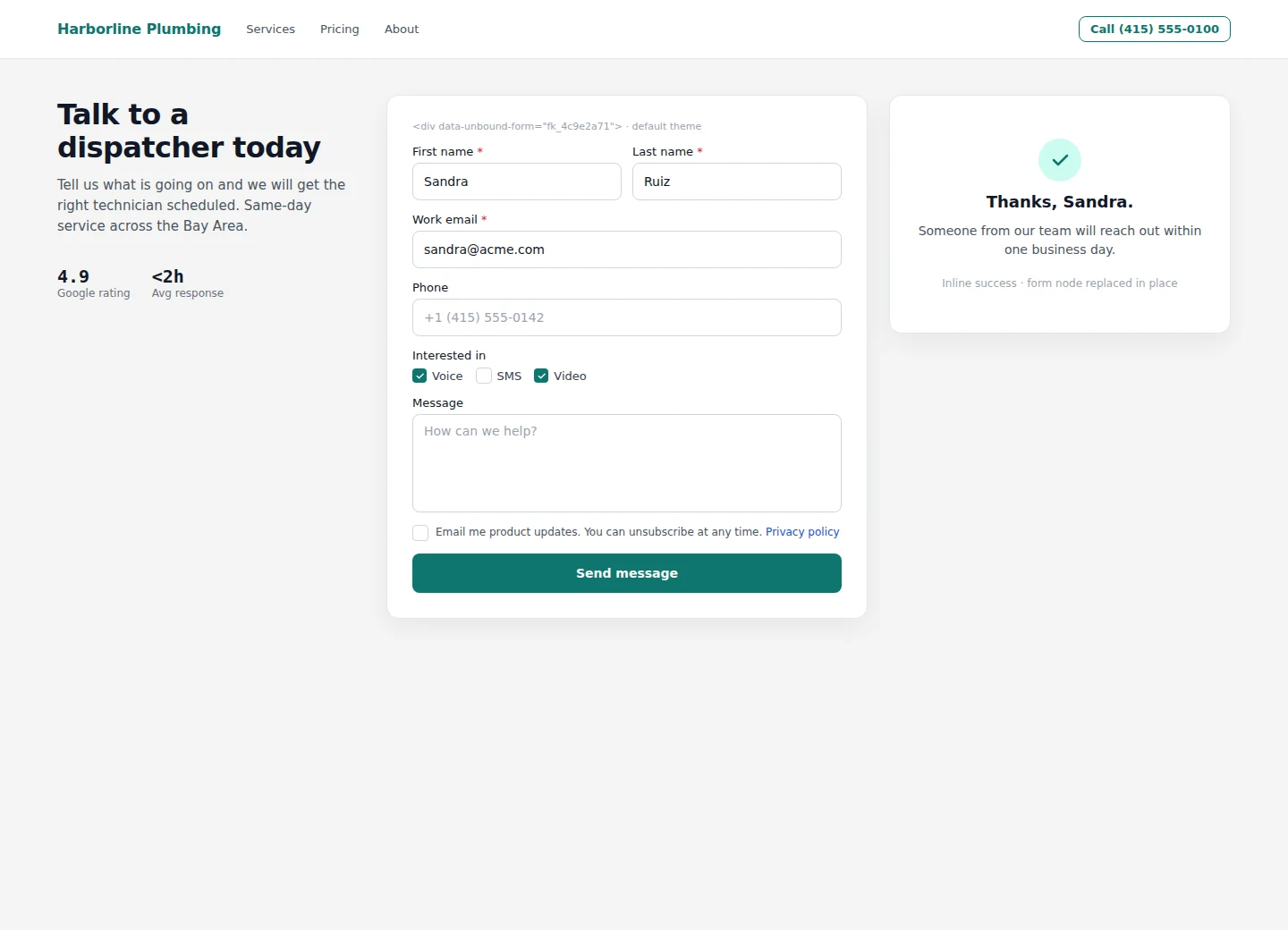
Yes. Point your existing form at Unbound, embed an Unbound form on your site, or host it on an Unbound portal.
Publish a form and watch the leads come in.
Open an account with forms, workflows, and bots already connected. Publish your own form and watch each submission arrive on a person.