After hours
A bot on the night shift.
It answers with your office’s script, books what it can, and pages the on-call tech when it can’t wait.
BotsA burst pipe at 9 pm calls the next number on the list. Unbound answers it, books it, and hands the office the job before anyone checks voicemail.
100+ countries · Cloud, hybrid, or onsite · 1 to 1,000 seats
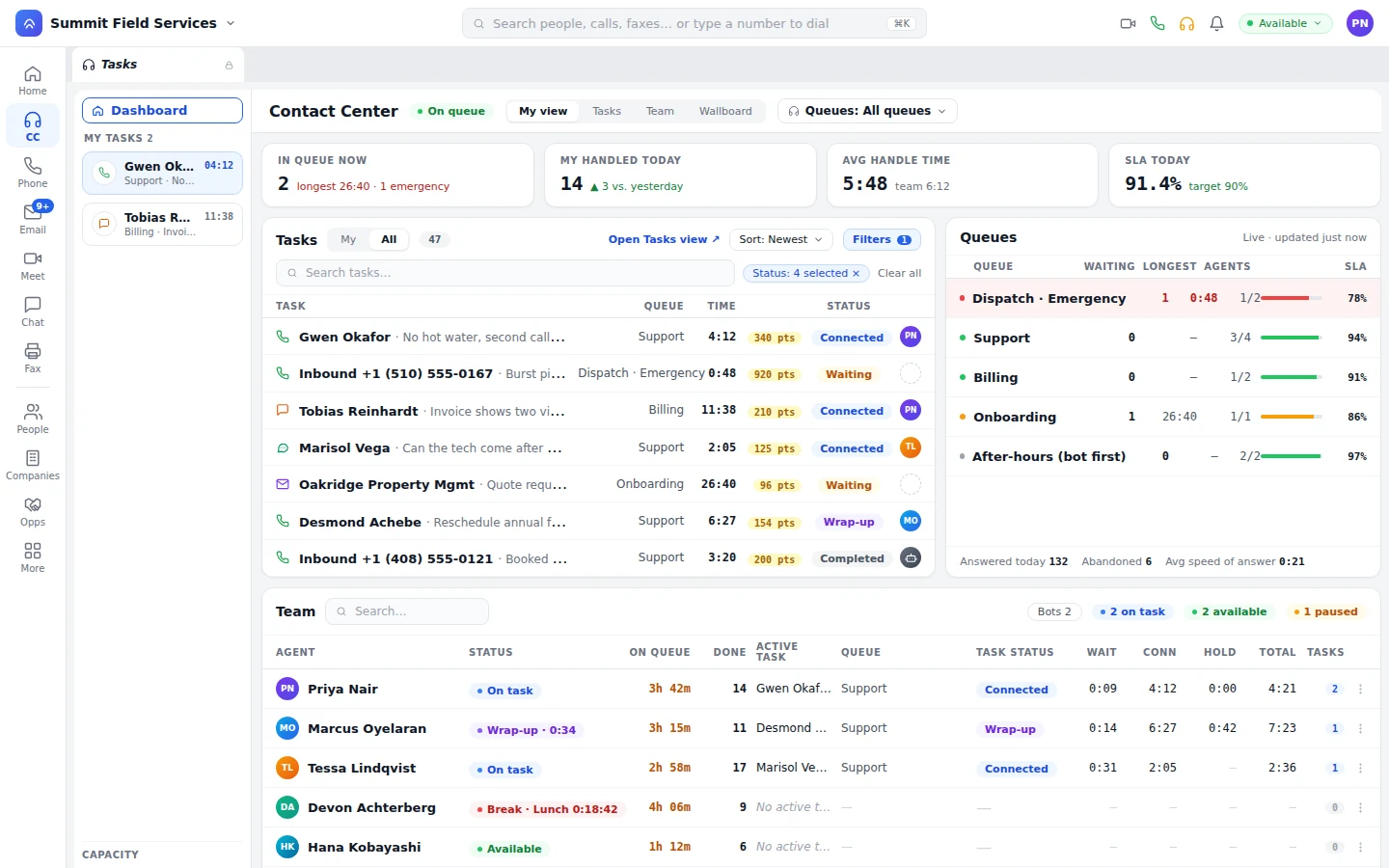
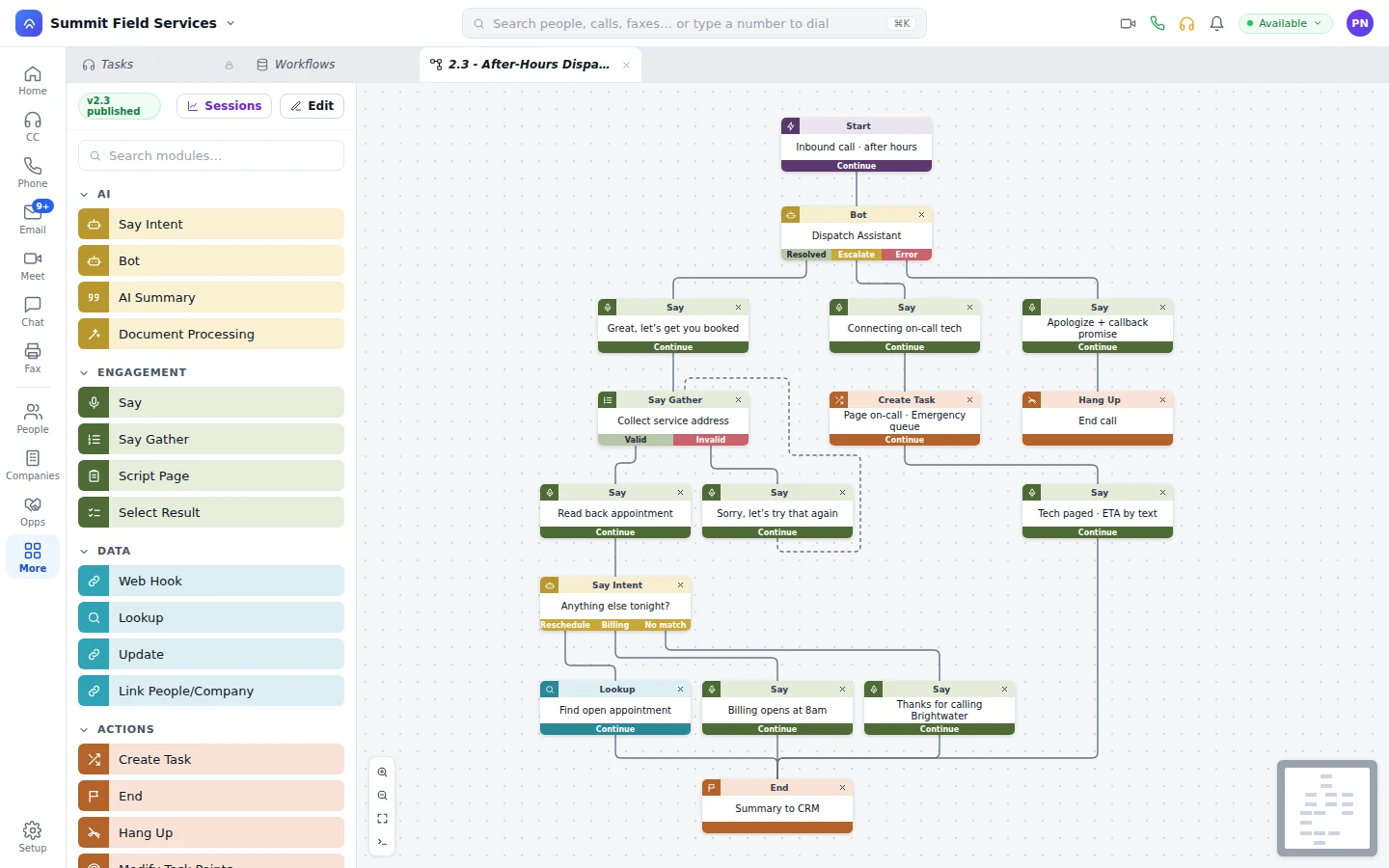
A homeowner calls about a burst pipe. The bot confirms the address, books the on-call tech, and texts a confirmation.
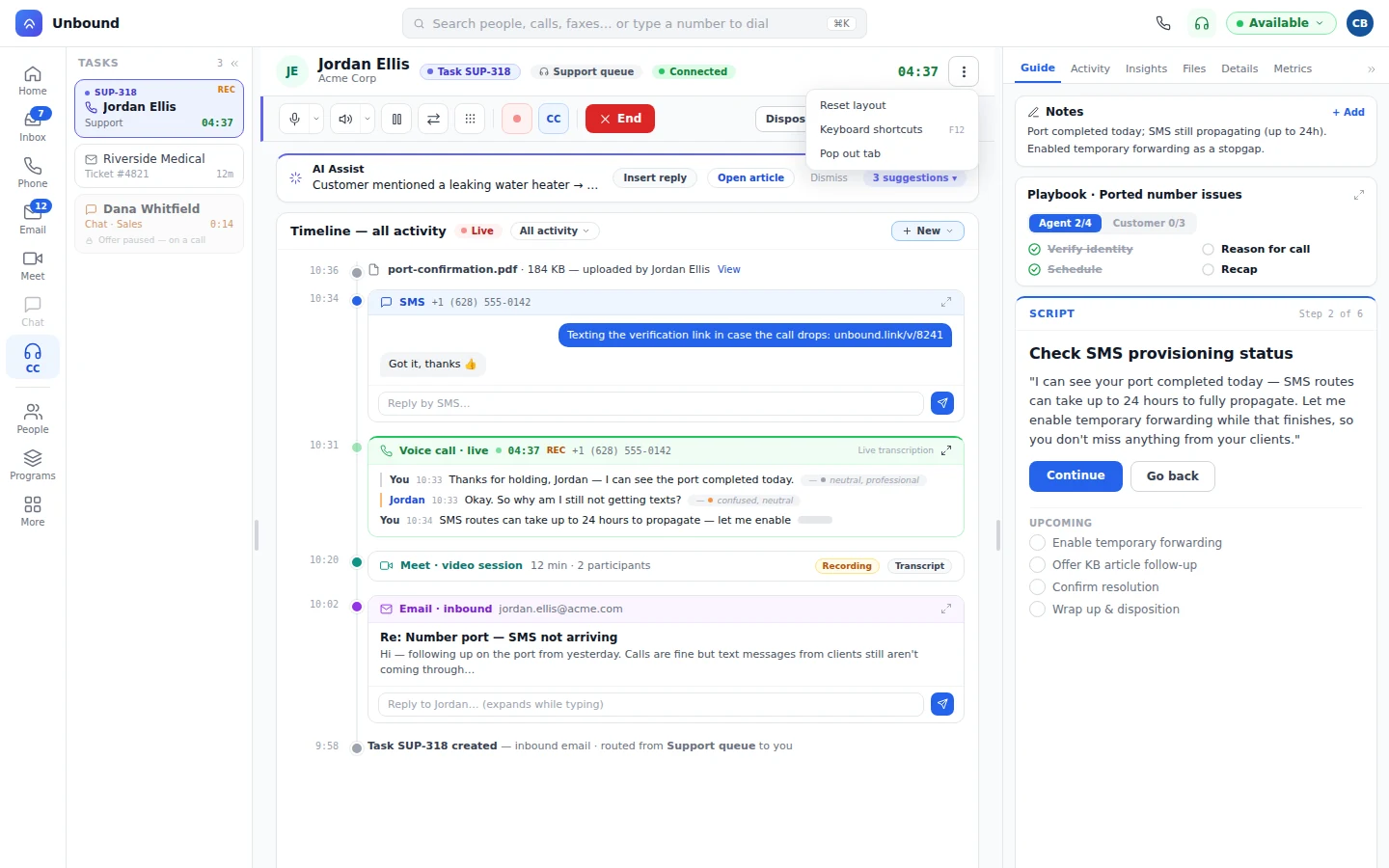
The dispatcher opens the task: recording, transcript, booking, and texts. Overnight hang-ups are already callback tasks.
The moment the job is assigned, a workflow texts the homeowner: the tech's name and photo, the arrival window, and a link to reply. When the truck is 15 minutes out, a second text says so.
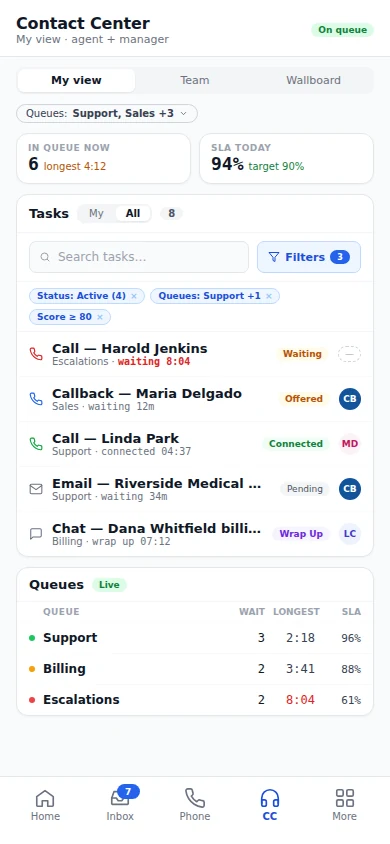
On site, the tech opens the job on an iPhone, sees past calls and texts, and texts a photo from the business number.
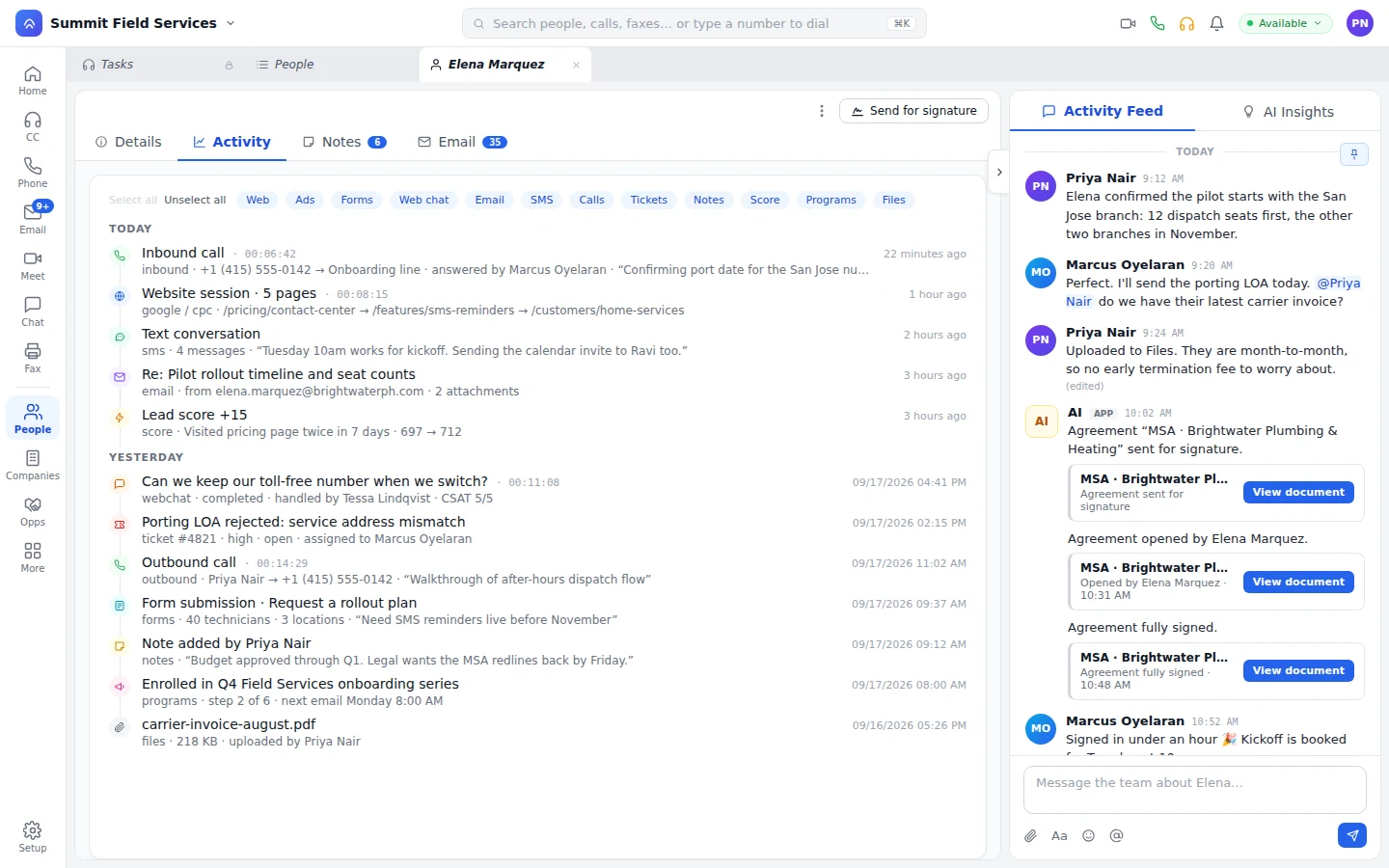
The homeowner signs the repair proposal on the tech’s iPad and pays through the payment step. A workflow texts the review request.
Night calls go to the bot on the after-hours queue. A real emergency reaches the on-call tech, transcript and address included. How the bot answers your phones
Busy season, lunch hour, or 2 am. The call rings the next person who’s free, and when nobody’s free, the bot picks up.
It answers with your office’s script, books what it can, and pages the on-call tech when it can’t wait.
BotsSet a cap on how many calls a queue holds. Past it, the rest move to another queue, a workflow, voicemail, or a ring group instead of piling up. Emergencies and repeat callers go to the top.
RoutingA call nobody answered lands on the list as a callback with the recording attached, and someone owns it.
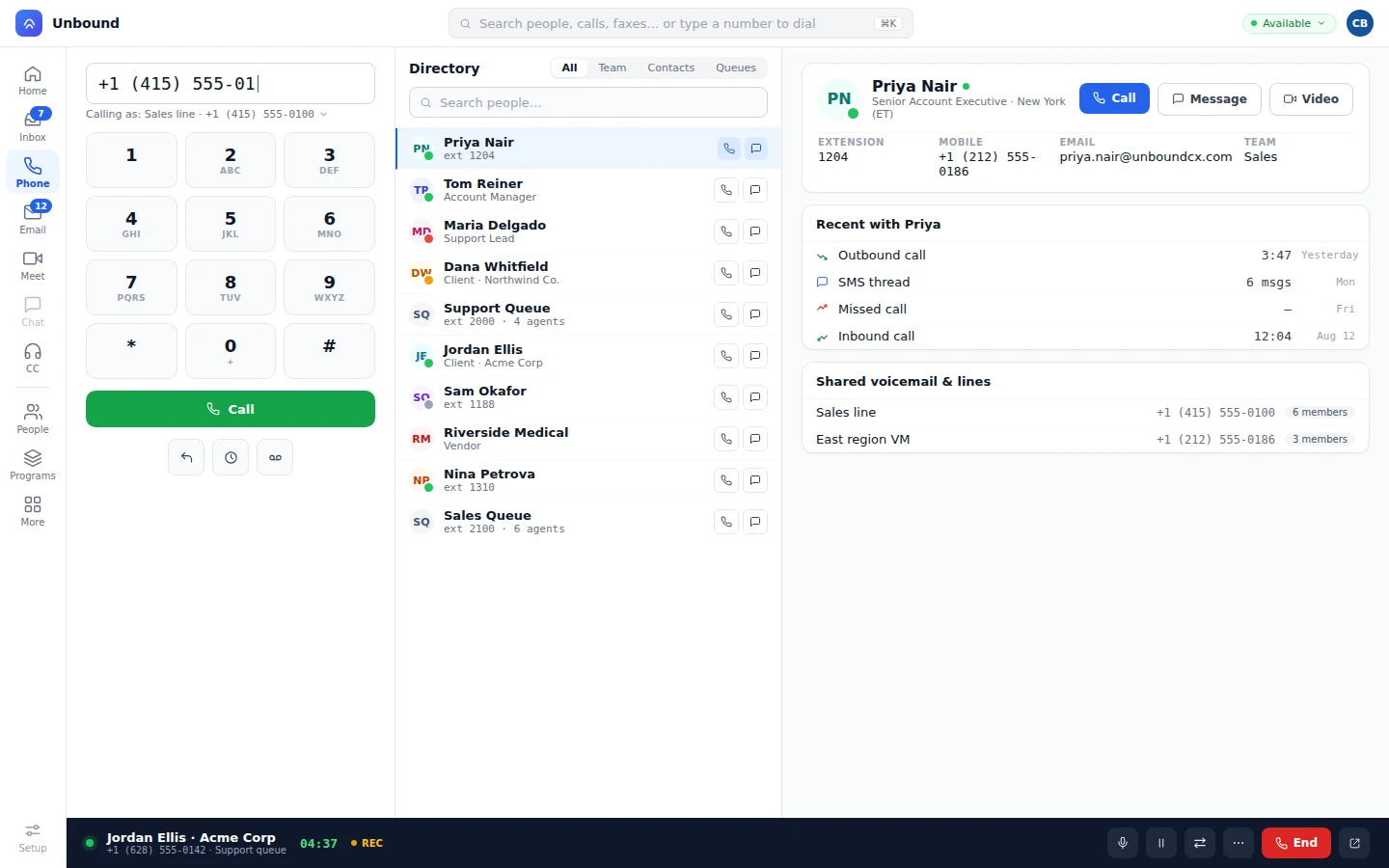
QueuesThe business number rings the desk phone, the laptop, and every tech’s phone. Calls, texts, and voicemail land in one inbox, and a tech can add a text to a live call so the homeowner sends a photo of the unit.
The proposal, the signature, and the payment come from the same record that took the call. Then the next visit starts itself.
We connect Unbound to your field service software as part of your setup. Unbound’s the phone, the bot, and the customer list, not a dispatch board, and the bot checks the calendar and updates the job without re-typing it.
It books. Once your scheduling software is connected, the bot checks the calendar, books the visit, and texts the homeowner. Anything you tell it not to decide, a person decides, with the call transcript in front of them.
Play it back. The bot’s calls sit on the job with the transcript, next to your office’s calls. A manager listens in live and steps in when a call is going wrong.
No. Keep it. We connect Unbound to it as part of your setup, so calls, bookings, and job updates reach the software your techs already use.
Yes. Native apps for iPhone, iPad, and Android run the full platform: calls and texts on the business number, the customer record, proposals, e-signature, and payments.
Open a free 30-day account with sample data loaded. Point your after-hours line at the bot, and read the booked jobs over coffee the next morning.